SE - AI chatbot docs
User manual, architecture, and installation reference for SE - AI chatbot
Your MCP servers
/account/mcp-servers
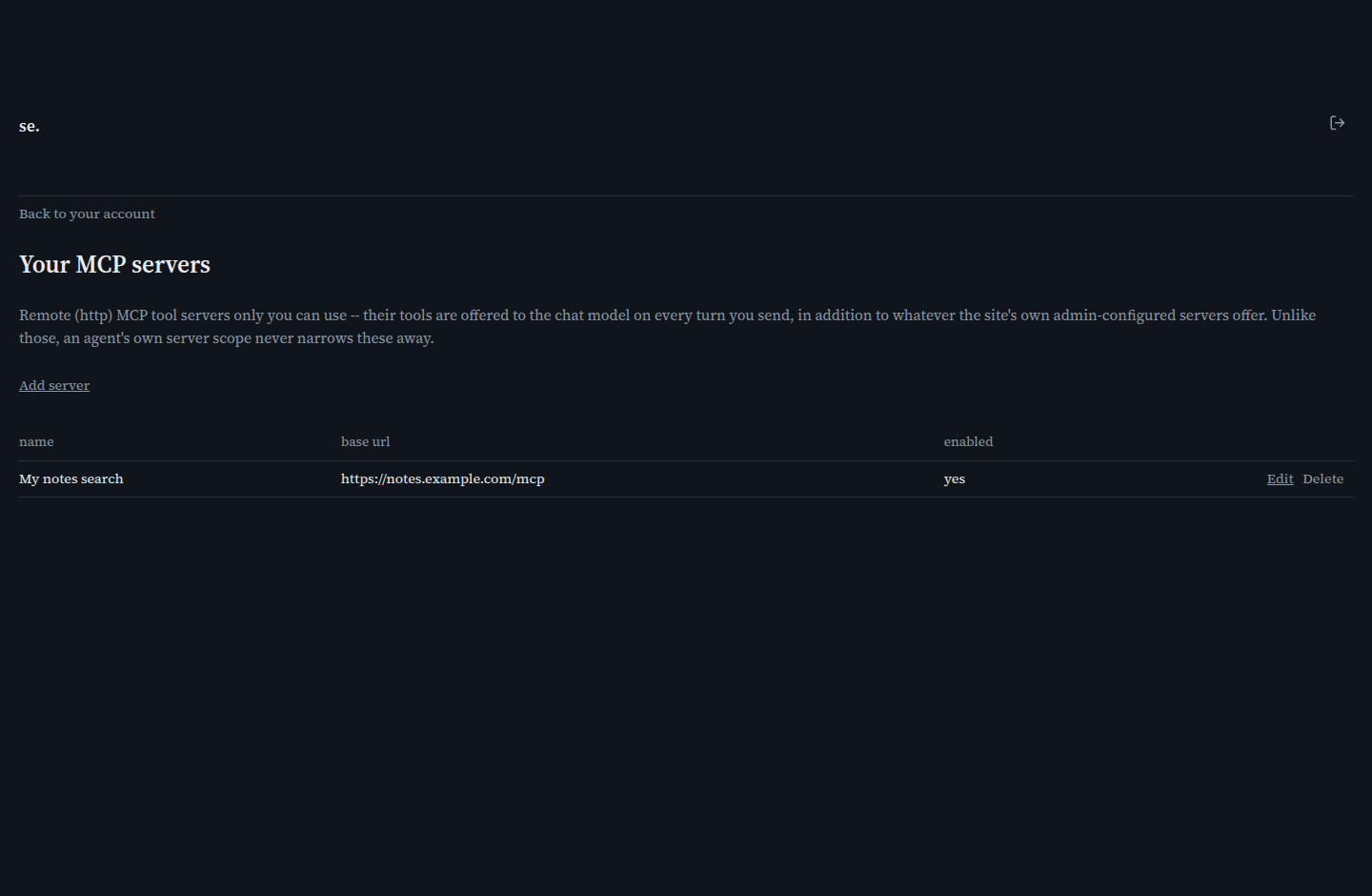
Your own personal MCP tool servers, visible and usable only by you – the same idea as the admin-configured catalog on the MCP servers page, but scoped to your account instead of shared deployment-wide.
How this differs from the admin catalog
Every row is private to your account. Transport is always http – no stdio option, since that runs a real local command on the server’s own machine, a trust tier reserved for admin-configured rows. A personal server is merged into your chat turns unconditionally, unlike the shared catalog, which an Agent selection can narrow. The list view shows a name / base url / enabled table, matching what’s actually configurable per row.
Adding a server
Give it a name, a base URL (an HTTP MCP endpoint you control or trust), an optional API key, and a prompt telling the model when to use it. Enabled is checked by default – uncheck it to turn the server off without deleting it, the same as the admin catalog’s Enabled flag. Check “Gated by web search” to only offer it when the chat page’s Web toggle is on – same convention as the shared catalog.
← Your account · ↑ Manual home · Your files →