SE - AI chatbot docs
User manual, architecture, and installation reference for SE - AI chatbot
Your files
/account/files
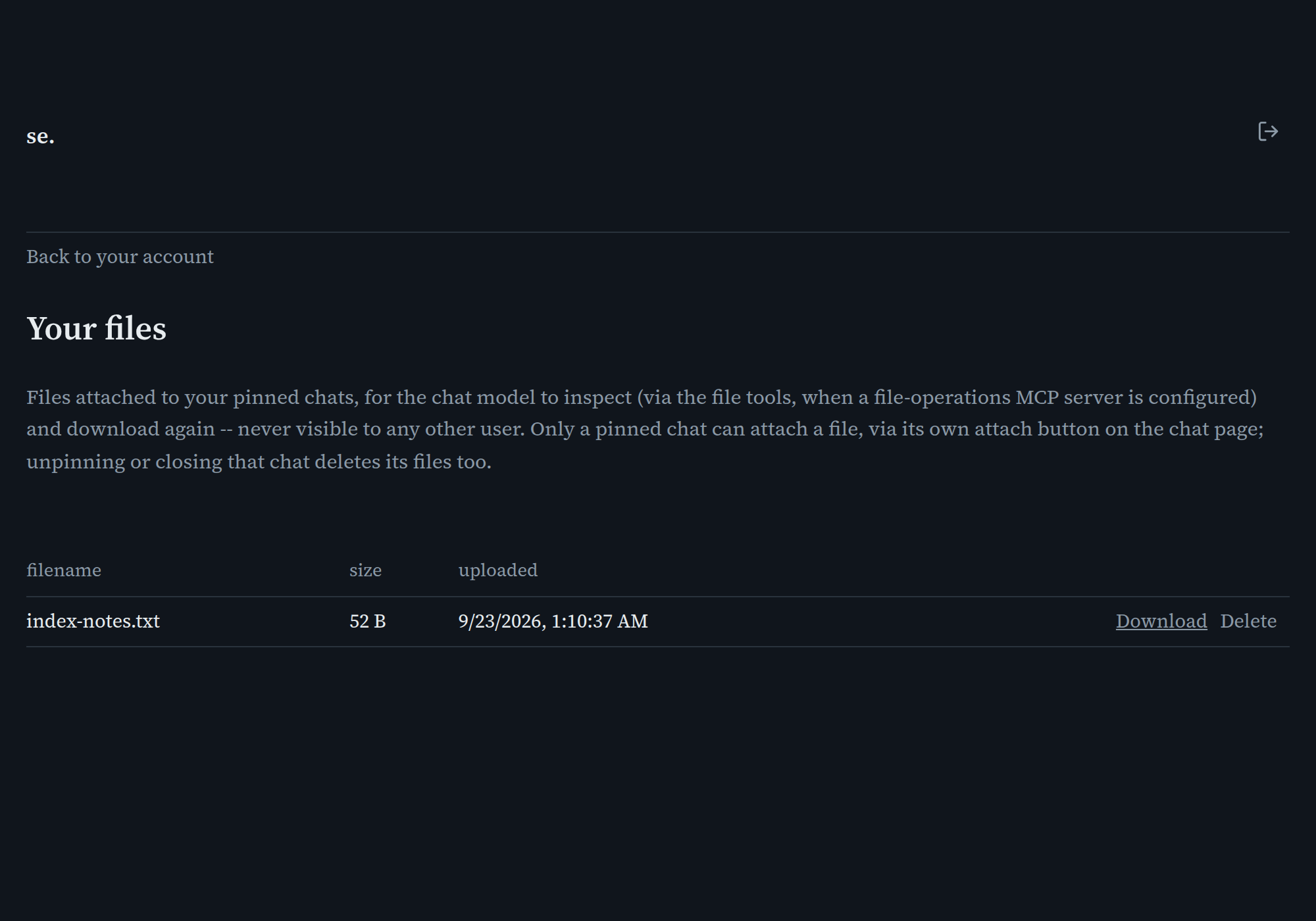
Files attached to your pinned chats, or produced by the model via a write_file call during chat – reachable from Your account. Lists and manages files only; there’s no upload form here – see “Attaching files” below.
Attaching files
Files attach from a chat tab’s paperclip button (see Search & Chat’s “Attaching files”) – only a pinned tab can attach files. The model reads an attached file via its file-access tools (mcp-files, see MCP servers) the next time it looks, rather than its contents being injected into your message. Unpinning or closing a pinned chat deletes its attached files too, so this list shrinks with your pinned chats, not just from direct deletes.
Limits and ownership
Capped at 5 MiB per file and 100 files per account, not admin-configurable. Files are private – only you can see or download them; there’s no admin view of anyone’s uploads.
Downloading and deleting
Each row has Download and Delete links – Delete asks you to confirm (‘Delete “<filename>”? This cannot be undone.’) before removing the file, and there’s no way to recover it afterward, so make sure you actually want it gone before confirming.
← Your MCP servers · ↑ Manual home · Documents →