SE - AI chatbot docs
User manual, architecture, and installation reference for SE - AI chatbot
Your account
/account
Self-service page for your own account to change its password and set a personal chat prompt, no admin needed – works the same whether or not your account has admin rights, since being an admin only adds /admin/* access, it never takes self-service away. Reached from the gear/person icon on the public search/chat page.
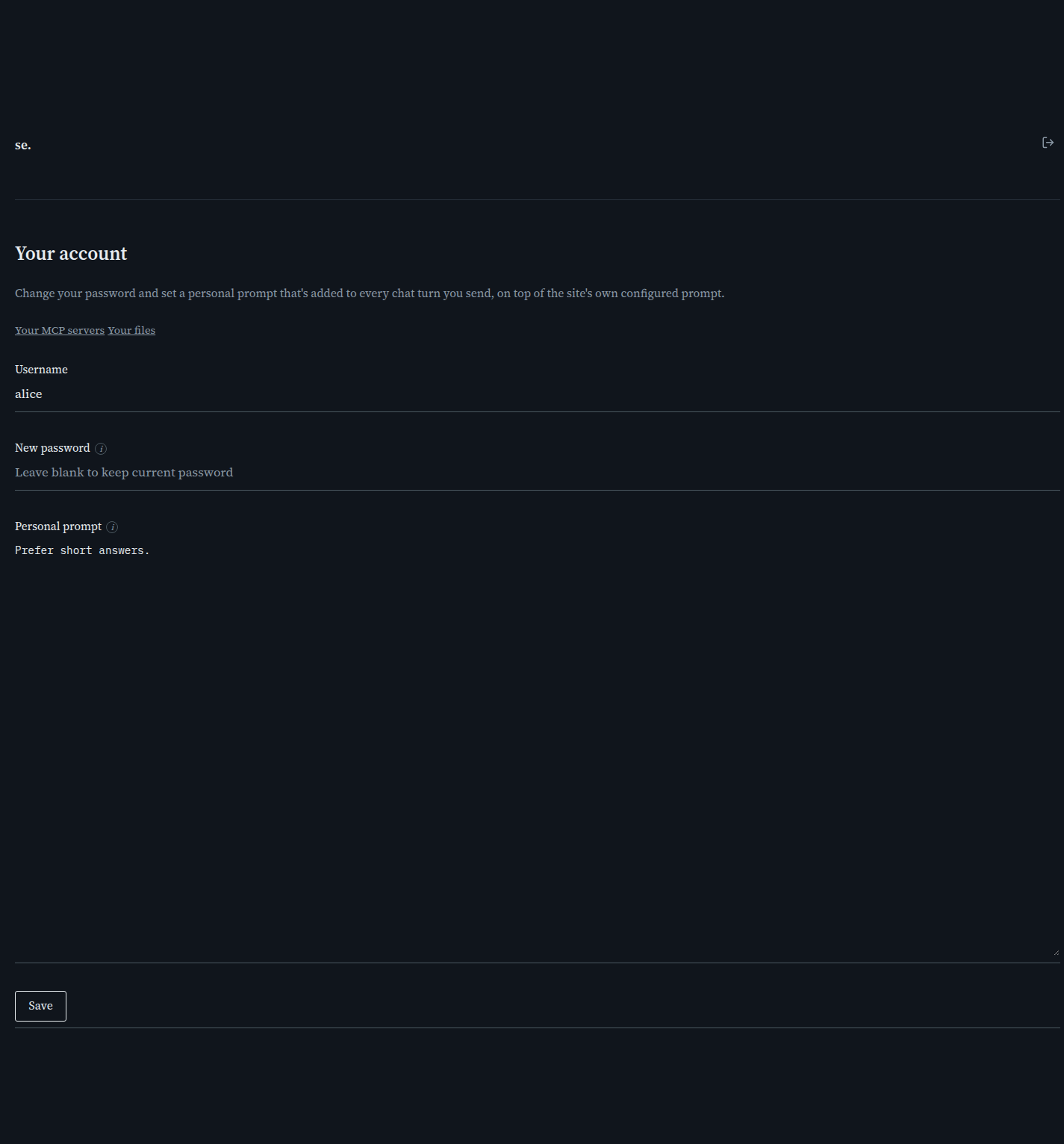
New password
Leave blank to keep your current password. A new one must be 8-72 characters; an invalid value is rejected outright rather than silently ignored.
Personal prompt
Free text, up to 4000 characters, injected as your own leading system message on every chat turn – in addition to, not instead of, the deployment’s system prompt and any active MCP servers’ prompts. Use it for standing preferences (“prefer short answers”) you don’t want to repeat every conversation. Saving an empty value clears it.
Your MCP servers and Your files
Two links at the top of this page lead to your own personal tool servers and uploaded files – see Your MCP servers and Your files.