SE - AI chatbot docs
User manual, architecture, and installation reference for SE - AI chatbot
Signing In
/login
The gate in front of every admin page. Nobody reaches /admin, /crawl, or any /admin/api/* endpoint without a valid session cookie minted here first.
What you need
You need an account set up for this server (username and password) – no self-registration or “forgot password” flow, so ask an existing admin if you lack credentials, or see packaging/create-admin.sh if none exists yet. If every combination fails, including ones you’re sure are correct, the likely cause isn’t a typo: no admin account has been created yet, and sign-in fails closed rather than defaulting to open access until one is.
Signing in
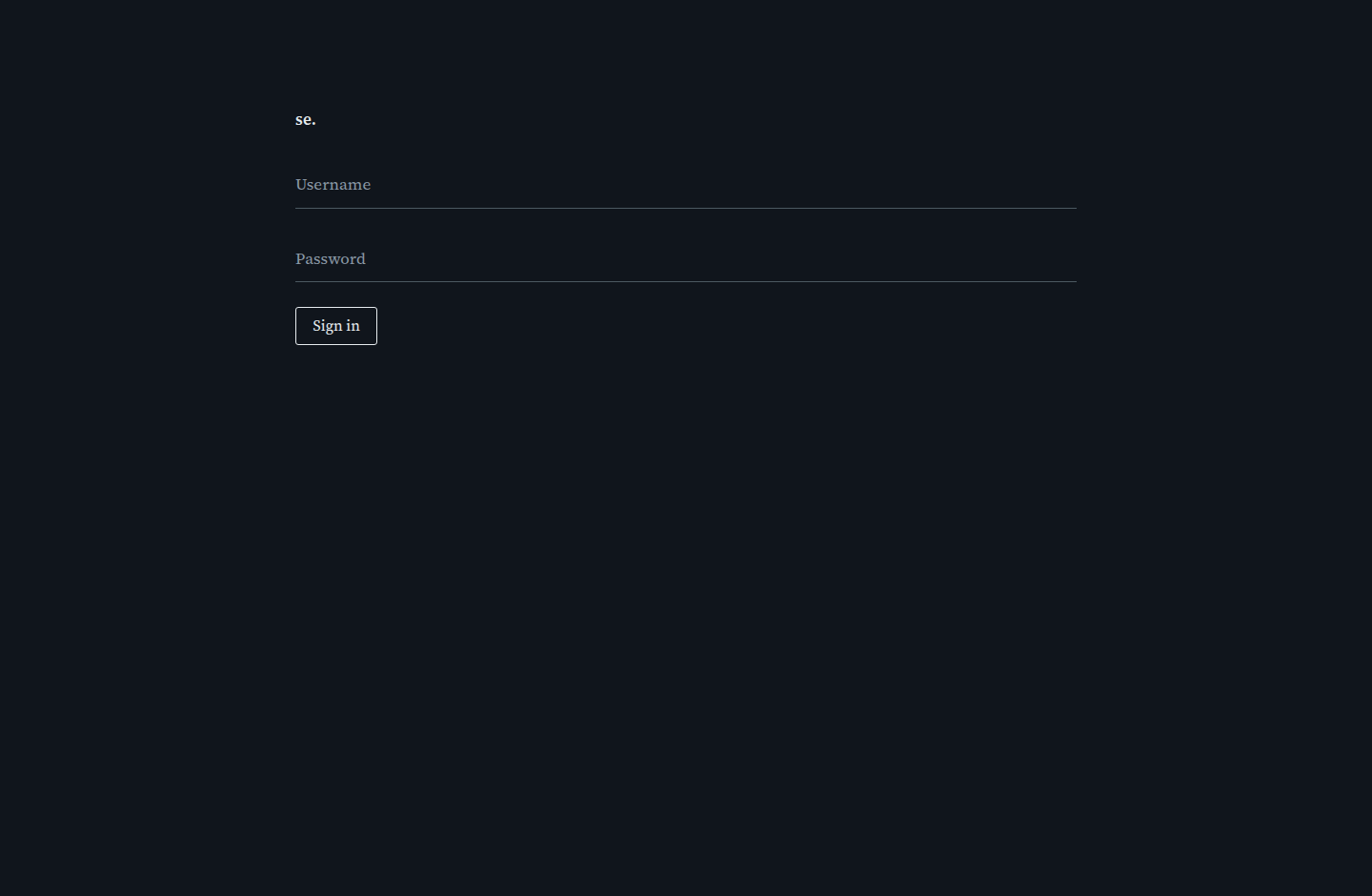
Type username and password and submit. The page checks credentials without a full reload – a wrong password shows “Incorrect username or password” and clears the password field, while a network problem shows a distinct “could not reach the server” message. If you followed a link to a specific admin page while signed out, signing in sends you straight back to it instead of the generic Overview page.
Staying signed in
A successful sign-in sets a session cookie valid for a fixed window – 12 hours by default, adjustable under Settings > System (“Session length”). Once it elapses you’re just asked to sign in again; there’s no silent renewal. The cookie is an opaque token looked up server-side on every request, so access level can’t be forged or tampered with from the browser.
Too many failed attempts
After 5 failed logins from the same address within 15 minutes, further attempts lock out for 30 seconds; each additional failure while locked doubles the wait, up to 15 minutes. A locked-out attempt gets a clear “too many failed login attempts” message rather than a misleading “wrong password” – if you’re sure your credentials are right but keep getting refused, you may be waiting out a lockout from an earlier typo.
Worth knowing:
- The lockout is keyed by IP, not username – one person’s repeated bad attempts on a shared connection can lock out everyone behind it.
- A correct sign-in immediately clears failure history for your address, so a lockout never lingers past your next successful login.
← Config files · ↑ Manual home · Overview →